Usage
Dependencies
- Before launching the REST package, please ensure following dependencies are met by the system:
Java-11 (SDK).
gfortran.
xterm
Python3
Visualization-Tool-Kit (VTK)
PyVista
Warning
If there is any problem regarding 3D plot with the current version of pyvista, then install PyVista version - 0.29.0.
Installation
REST is very easy to install and run over a linux system or wslg.
Download the REST.zip file from the link.
Unzip the package and enter the REST directory.
Open the terminal in the REST directory and type the following command to launch the REST GUI:
Note
REST has been tested on Ubuntu-20.04LTS and Ubuntu-22.04LTS base operating systems. It is recommended to use the Ubuntu-20.04 or above to run the package.
First Run
Use the following command to run the package from a terminal.
$cd REST-version-0.1.0
$chmod -R 777 ./
$./REST.sh
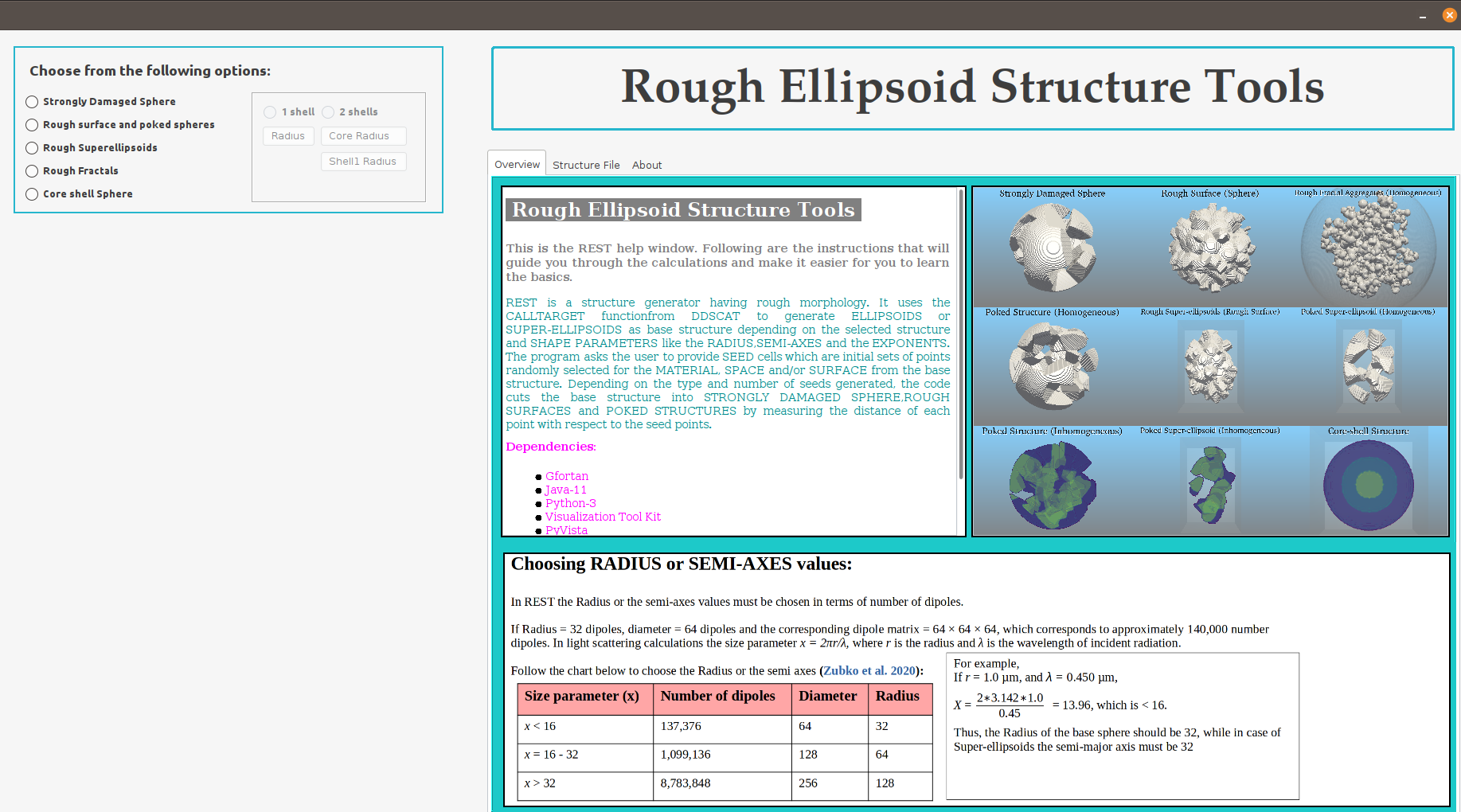
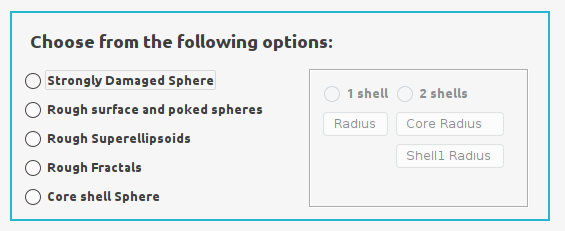
Choose the structure option from the upper left-hand box
Select the option Strongly Damaged Sphere. Upon selecting an option the input panel appears as shown below.
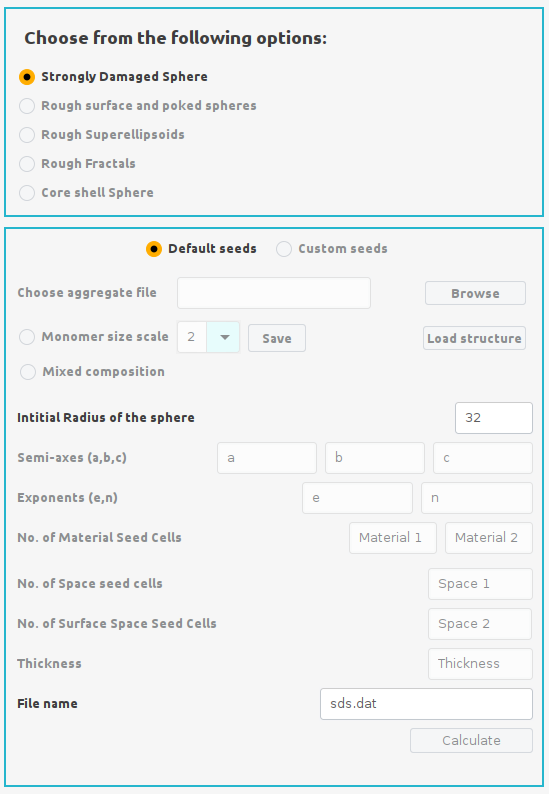
Select the Default Seeds option from the input panel. Enter the Radius of initial structure in number of dipoles (e.g. Rd= 32) and enter a filename for the final structre in the File name section of the input panel. Finally click the Calculate button to start the calculation. During calculation an xterm window will open and indicate the progress of calculation as shown below.
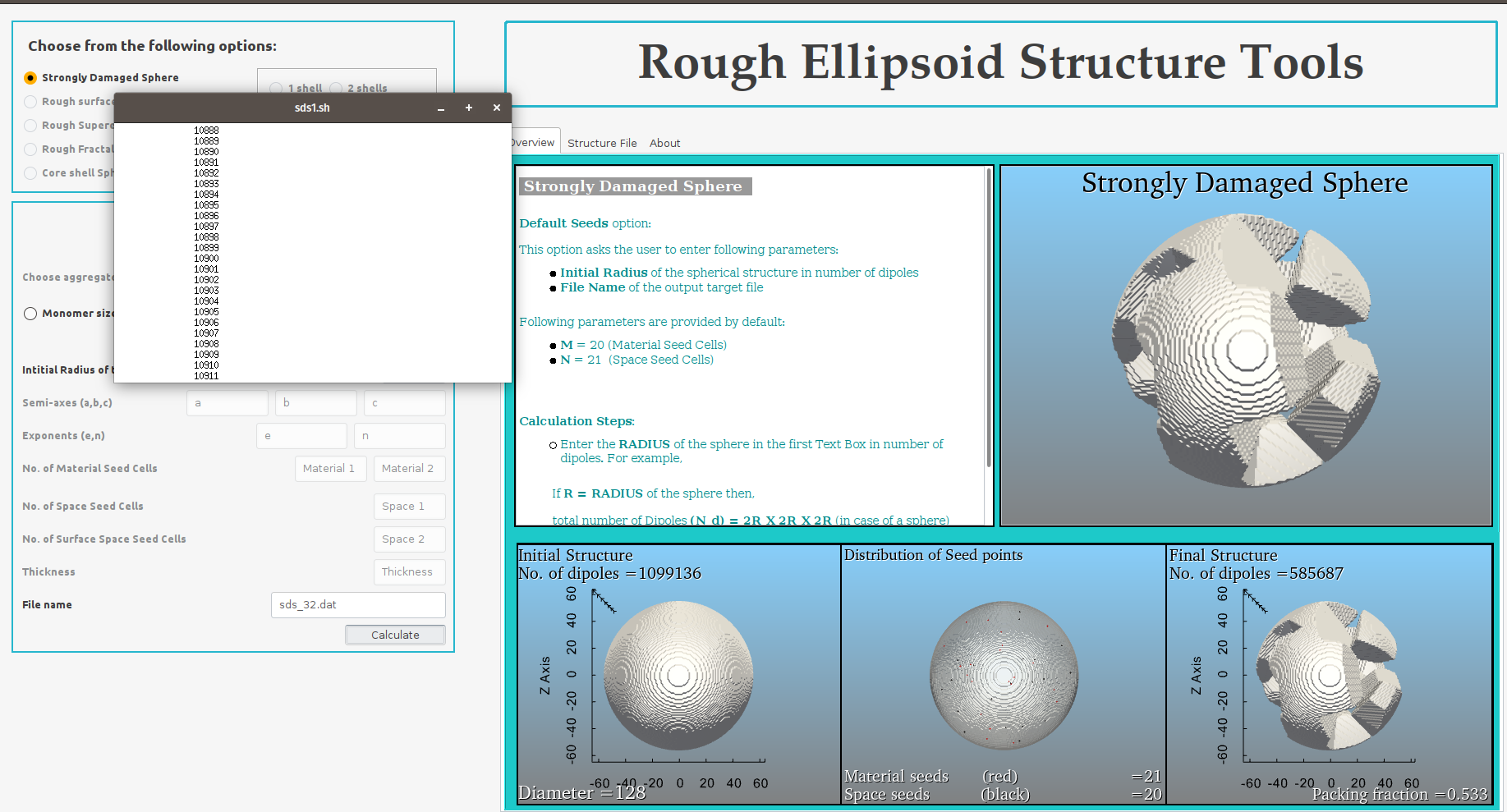
Upon completion of the calculation, the control box will appear below the input panel having pink border.
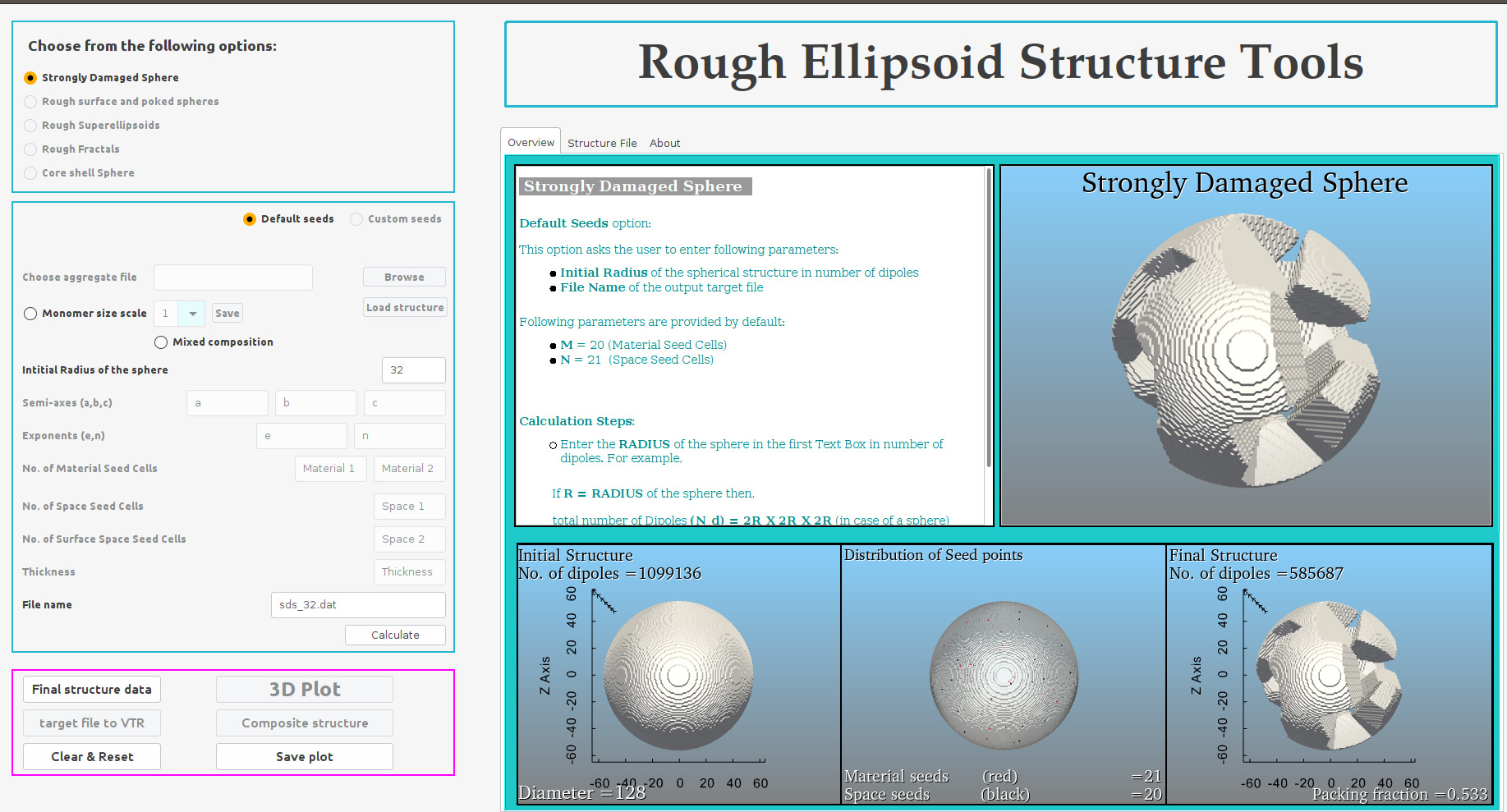
Click the Final structure data button to import the data calculated for generating the final SDS structure in the Structure file panel on the right-hand side.
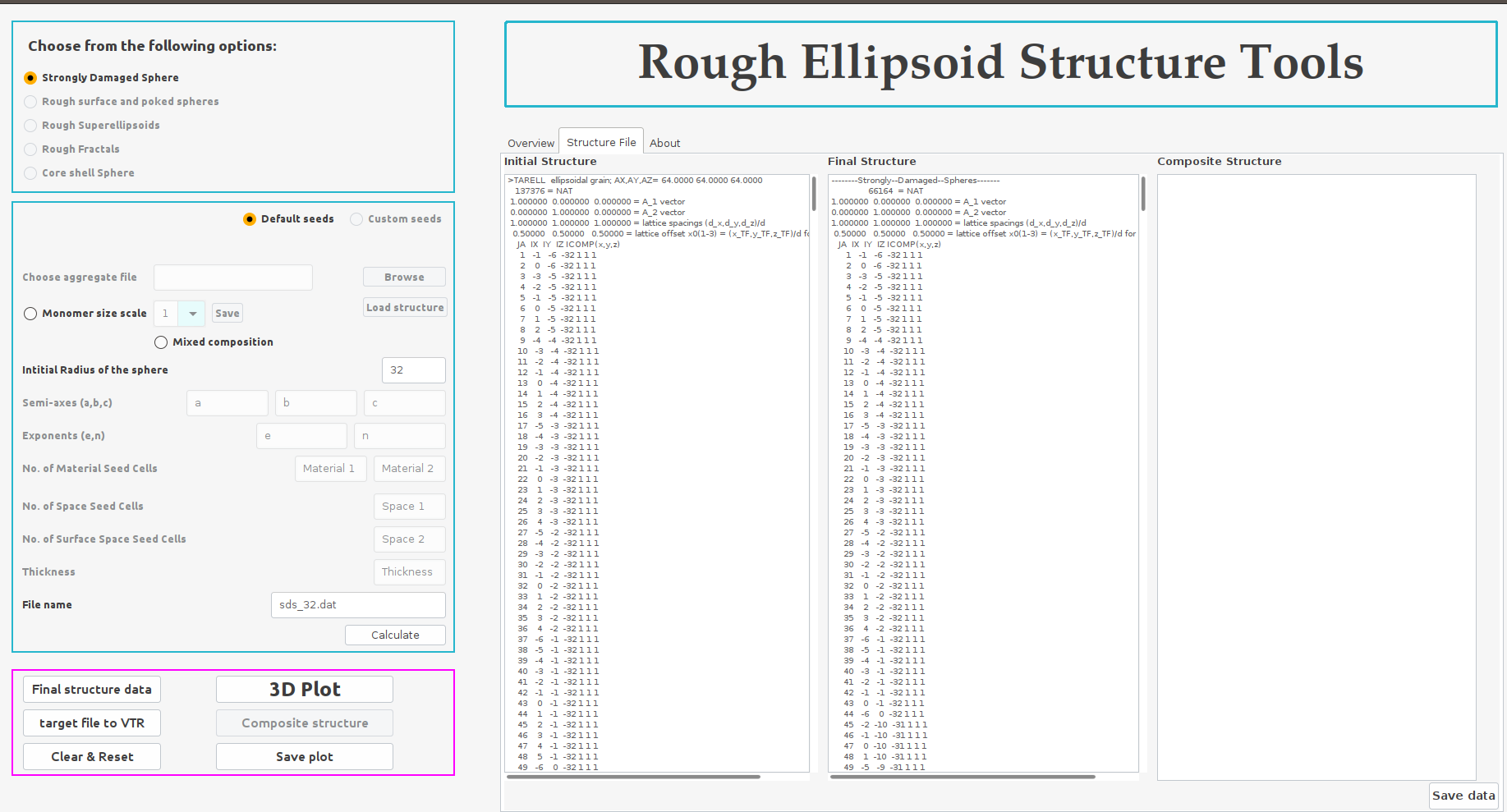
Finally, click the 3D Plot button to convert all the structure data into VTK files and generate the 3D structures initial and final structure along with the distribution of the different seed cells within the initial structure.
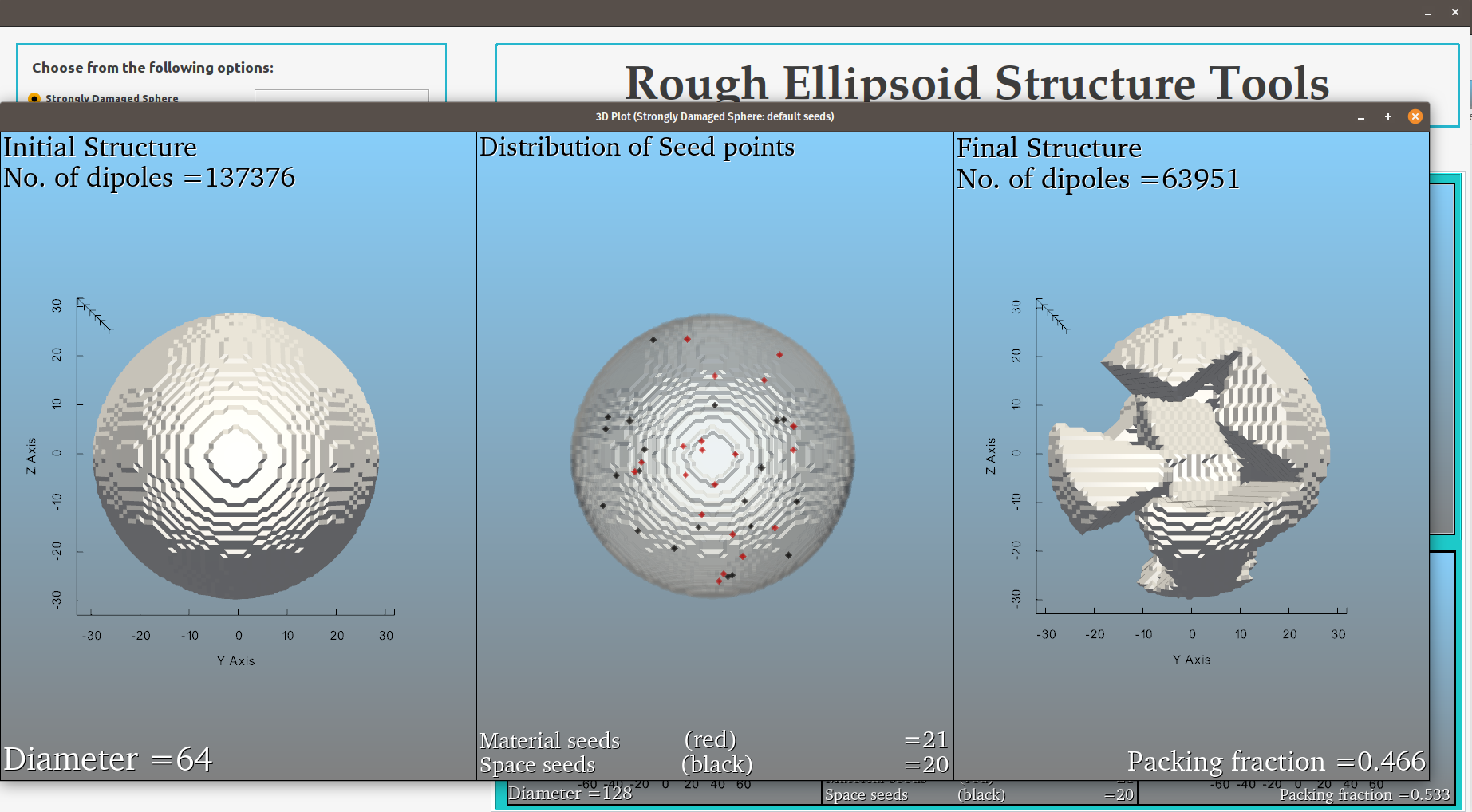
Save the structure data by clicking Save data button and save the 3D plot by clicking Save plot button.
Reset or clear the input and output entries by clicking Clear & Reset button.